
CompTIA XK0-006 Question Answer
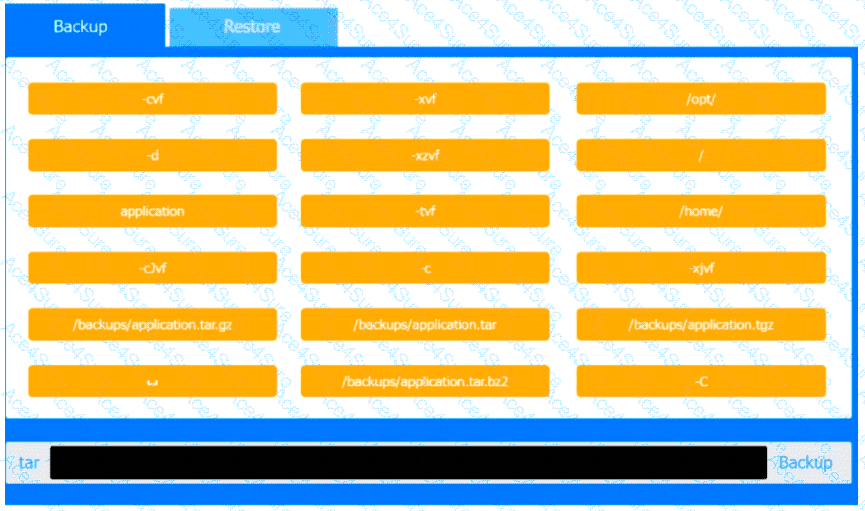
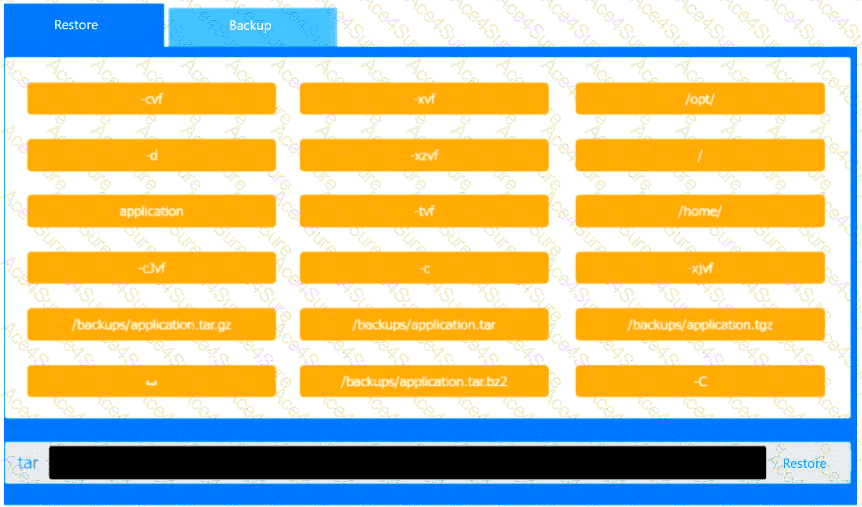
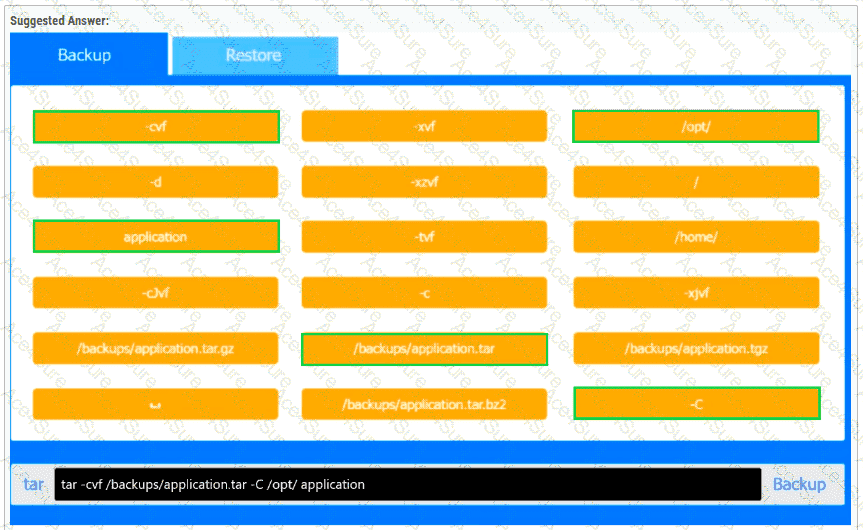
You are a systems administrator and have created an uncompressed backup of the
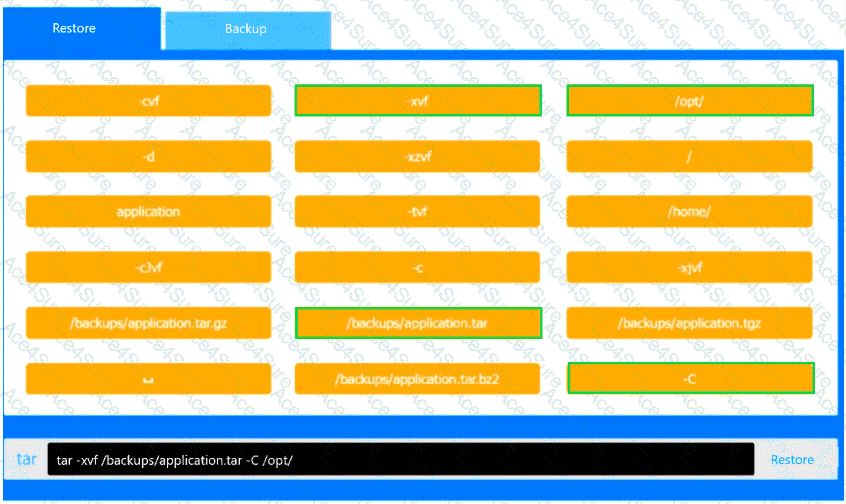
application directory. Several hours later, you must restore the application from backup.
INSTRUCTIONS
Within each tab, click on an object to form the appropriate command used to create the
backup and restore the application.
Command objects may only be used once, and not all will be used. Click the arrow to
remove any unwanted objects from your command.
If at any time you would like to bring back the initial state of the simulation, please click
the Reset All button.
XK0-006 PDF/Engine
- Printable Format
- Value of Money
- 100% Pass Assurance
- Verified Answers
- Researched by Industry Experts
- Based on Real Exams Scenarios
- 100% Real Questions

Get 65% Discount on All Products,
Use Coupon: "ac4s65"
