
Tableau TDS-C01 Question Answer
How can you format numbers in Tableau as currency?
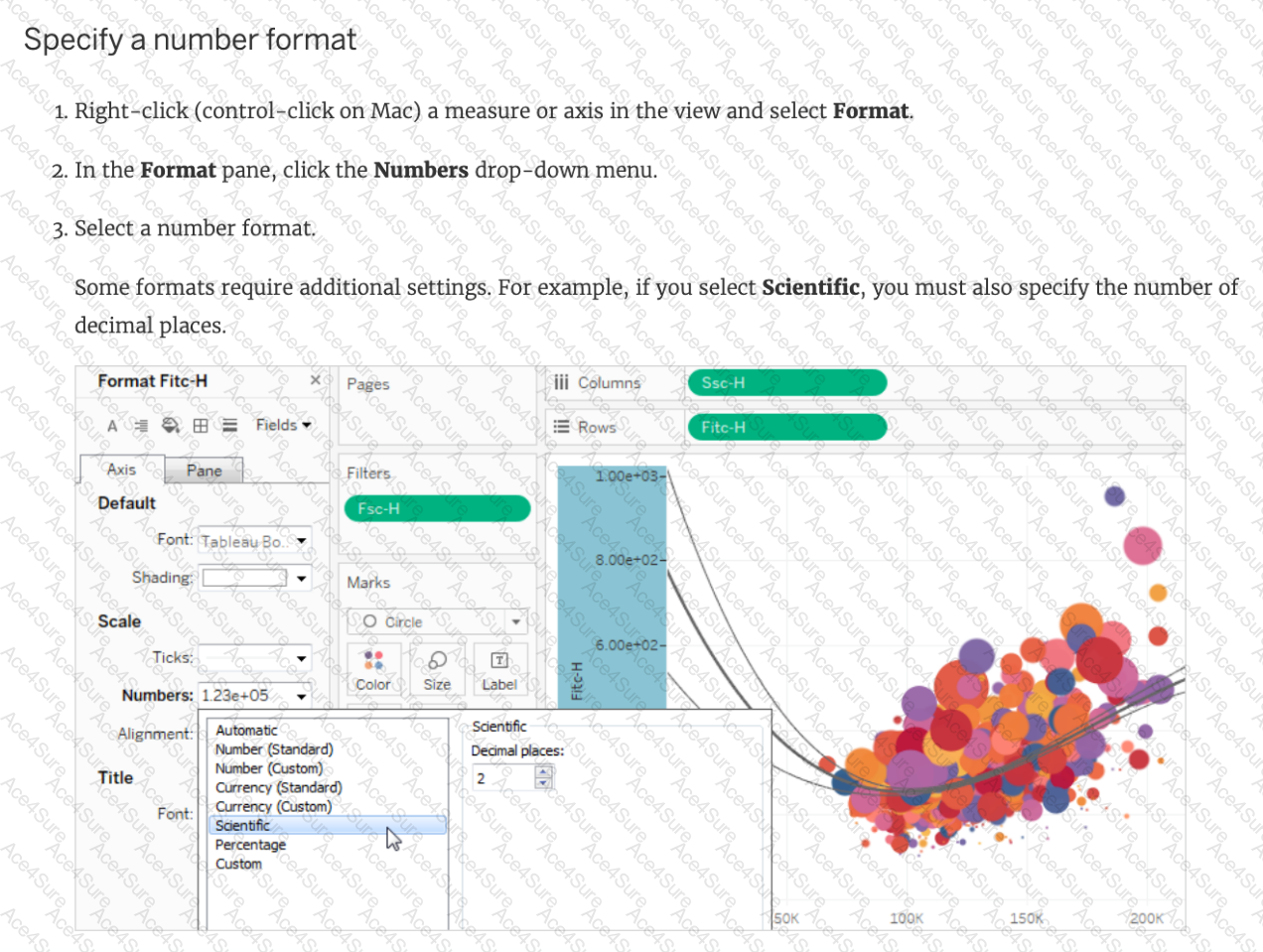
Right-click a measure or axis in the view and select Format. Then in the Format pane, click the Numbers drop-down menu.
Right-click on the data source used in the view and select Format. Then in the Format pane, click the Numbers drop-down menu.
Right-click a dimension in the view and select Format. Then in the Format pane, click the Numbers drop-down menu.
Right-click on the Sheet name and select Format. Then in the Format pane, click the Numbers drop-down menu.
According to the official Tableau documentation:
TESTED 01 Jan 2026
Copyright © 2014-2026 ACE4Sure. All Rights Reserved

