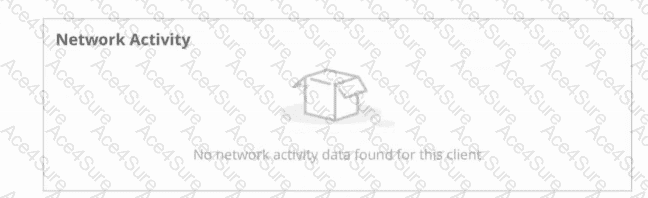
“In AOS 10 deployments that use mobility gateways, application/flow visibility and Client Insights for wireless clients are derived from gateway DPI and firewall session state. When an SSID is bridged at the AP (including mixed mode where a client is bridged), client data traffic does not traverse the gateway. Because the gateway does not see the user flows, flow attributes and network activity are not populated in Central for those clients.”
This applies to:
• C – SSID is bridged (all clients bypass the gateway).
• D – SSID is mixed mode but the affected clients are bridged (those clients bypass the gateway).
Why A, B, and E are not the best answers:
“When clients are tunneled (including mixed-mode clients that are tunneled) to the gateway, the gateway’s stateful firewall and DPI engine observe the sessions and export flow/app data to Central.”
Thus A is not a reason for missing data.
“Client VLANs marked untrusted are evaluated by the gateway firewall/DPI and support visibility. Marking a VLAN trusted bypasses firewall enforcement, but flow visibility for tunneled WLAN clients is based on gateway DPI; the primary reason Central shows no flow attributes is that the traffic never reached the gateway (bridged path).”
Therefore B/E are not the primary causes of this symptom in the scenario described.
References of HPE Aruba Networking Switching documents or Study Guide:
Aruba AOS 10 Gateway and WLAN Configuration Guides — “Tunneled vs Bridged SSIDs and impact on gateway DPI/visibility.”
Aruba Central Operations Guide — “Client Insights data sources from mobility gateways.”
Aruba Policy Enforcement and Application Visibility — “Gateway DPI and stateful firewall as the source for app/flow telemetry for wireless clients.”