
Microsoft AI-102 Question Answer
You are building content for a video training solution.
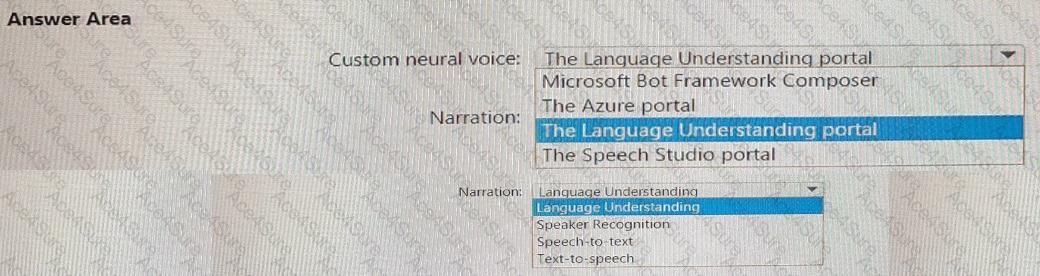
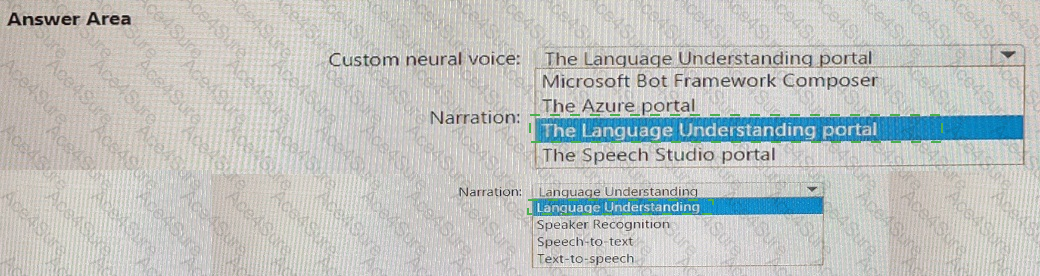
You need to create narration to accompany the video content. The solution must use Custom Neural Voice.
What should you use to create a custom neural voice, and which service should you use to generate the narration? To answer, select the appropriate options in the answer area.
NOTE: Each correct answer is worth one point.

AI-102 PDF/Engine
- Printable Format
- Value of Money
- 100% Pass Assurance
- Verified Answers
- Researched by Industry Experts
- Based on Real Exams Scenarios
- 100% Real Questions

Get 65% Discount on All Products,
Use Coupon: "ac4s65"
Previous
