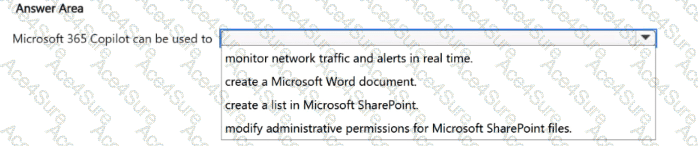
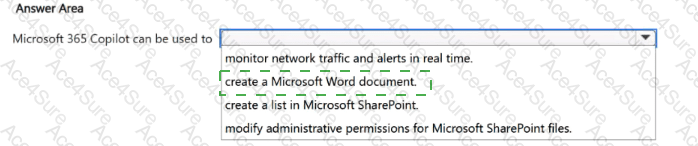
create a Microsoft Word document.
Microsoft 365 Copilot is a productivity-focused AI capability embedded across Microsoft 365 apps such as Word, Excel, PowerPoint, Outlook, and Teams. A core, common use case is drafting and generating documents in Word from prompts and existing context. Therefore, “create a Microsoft Word document” is the best completion.
The other options are not appropriate for Microsoft 365 Copilot’s scope. “Monitor network traffic and alerts in real time” is a security/operations function more aligned to security monitoring tools and, in Microsoft’s product set, closer to Microsoft Security Copilot or dedicated SIEM/SOAR platforms (for example, Microsoft Sentinel). “Modify administrative permissions for SharePoint files” is an admin/governance action that is intentionally protected by role-based access control and is not something end-user Copilot features are meant to perform as a default capability. “Create a list in Microsoft SharePoint” is closer, because Copilot can assist in generating content and can work within Microsoft 365 collaboration contexts; however, the most universally accurate and directly supported capability among the options is creating/drafting a Word document, which is a primary Copilot scenario in Word.
In short, Microsoft 365 Copilot is designed to help users create, summarize, rewrite, and transform content within Microsoft 365 apps, and document creation in Word is a canonical example of that value.