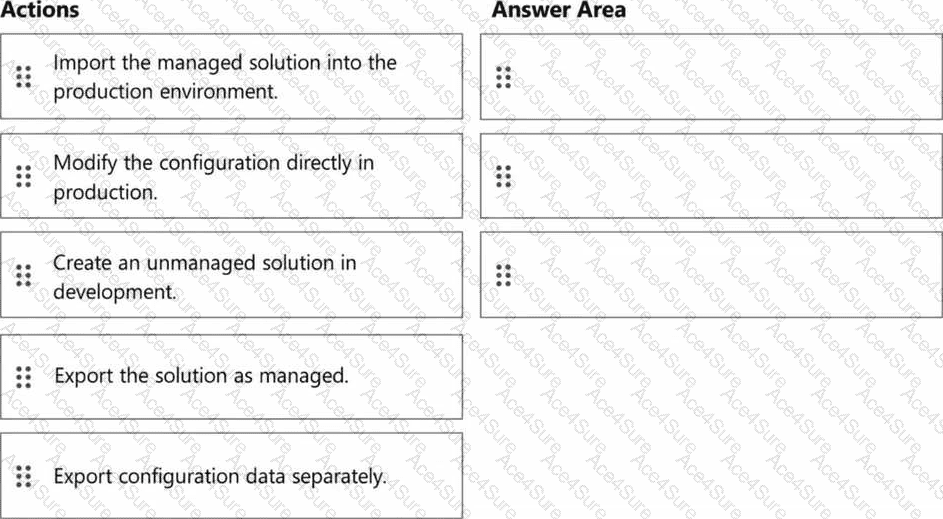
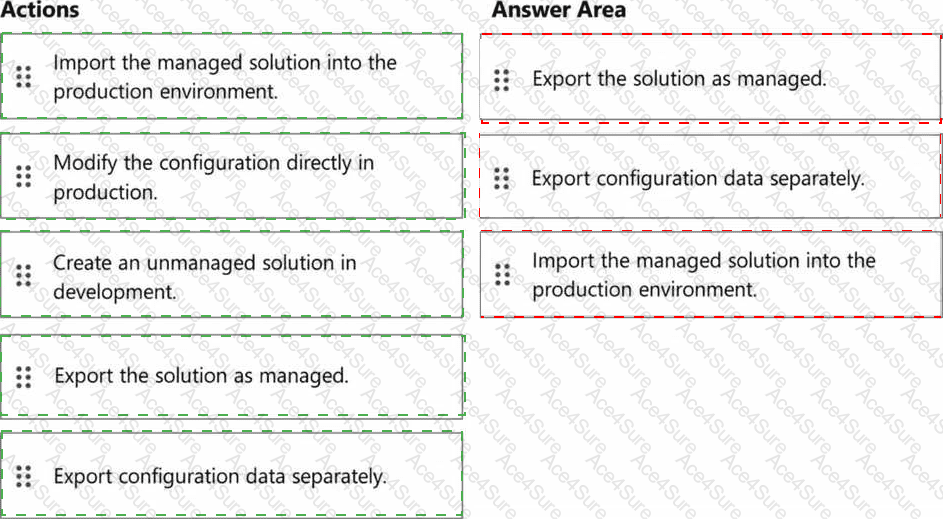
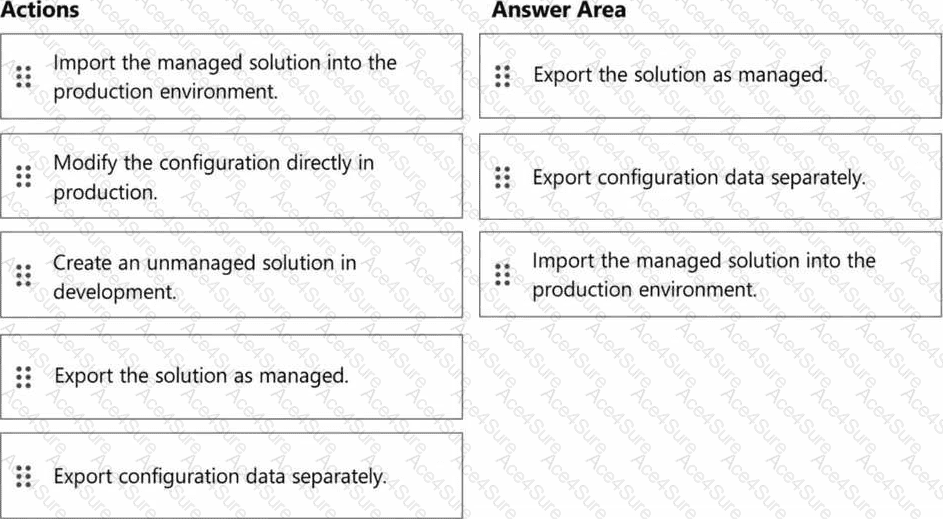
1. Export the solution as managed.
2. Export configuration data separately.
3. Import the managed solution into the production environment.
Fabrikam requires governed, repeatable deployment, managed solutions in production, and supported migration of configuration data without manually rebuilding the environment. The solution therefore separates deployable solution components from configuration records that require configuration-data migration.
Microsoft recommends developing configuration in an unmanaged solution in the source environment, exporting that solution as managed, and importing the managed package into downstream environments. Direct editing of managed configuration in production is specifically discouraged because it introduces an active unmanaged layer that can override later managed updates and interfere with ALM servicing.
Contact Center also contains configuration records that may need migration separately. Microsoft documents the use of solutions together with the Configuration Migration tool for workstreams, queues, skills, capacity profiles, routing configuration, and channel-related records. Therefore, the deployment package is exported as managed, configuration data is exported through the supported migration process, and the managed solution is introduced into production rather than modifying production manually.
Study Guide reference: Deploy Dynamics 365 Contact Center - > Create solutions; Configure ALM for Dynamics 365 Contact Center deployments.